Click-through
The overlays sit at the screen corners without blocking clicks, typing, or window focus.
 Roundly
Windows utility
Roundly adds subtle, click-through corner overlays to make square monitor edges feel a little more at home with Windows 11.
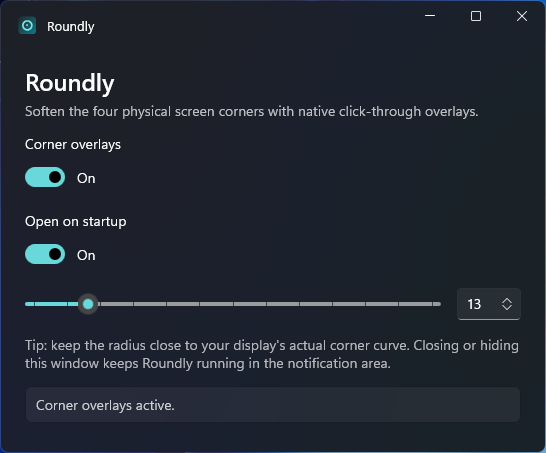
Small on purpose
The overlays sit at the screen corners without blocking clicks, typing, or window focus.
Use the slider to match the curve to your physical display and desk setup.
Roundly lives in the notification area, opens when you need it, and stays out of the taskbar.
Version 2.0
Updated to Windows App SDK 2.5.1 for the latest stability, performance and security fixes.
The corner overlays are antialiased, so the curve no longer looks jagged or stepped.
The arc now runs out to the screen edge, instead of stopping on a straight black strip.
No telemetry. No network access. No input hooks. Just a tiny native Windows app for people who notice the corners.